 Fred's ImageMagick Scripts
Copyright © Fred Weinhaus My scripts are available free of charge for non-commercial (non-profit) use, ONLY. For use of my scripts in commercial (for-profit) environments or non-free applications, please contact me (Fred Weinhaus) for licensing arrangements. My email address is fmw at alink dot net. If you: 1) redistribute, 2) incorporate any of these scripts into other free applications or 3) reprogram them in another scripting language, then you must contact me for permission, especially if the result might be used in a commercial or for-profit environment. Usage, whether stated or not in the script, is restricted to the above licensing arrangements. It is also subject, in a subordinate manner, to the ImageMagick license, which can be found at: http://www.imagemagick.org/script/license.php Please read the Pointers For Use on my home page to properly install and customize my scripts. |
|
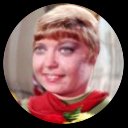
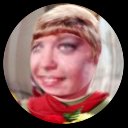
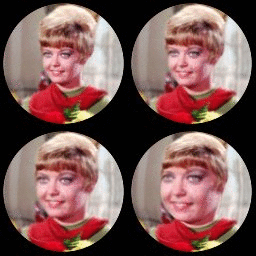
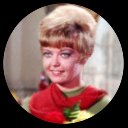
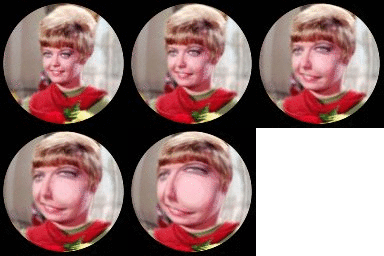
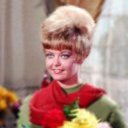
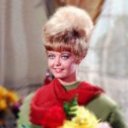
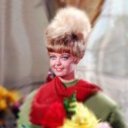
Applies a hemispherical-like bump distortion to an image. |
last modified: December 15, 2018
|
USAGE: bump [-t type] [-a amplitude] [-r radius] [-c center] [-m] [-b bgcolor] infile outfile
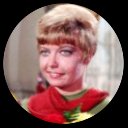
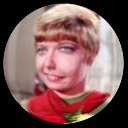
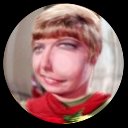
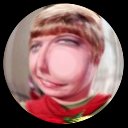
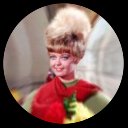
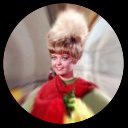
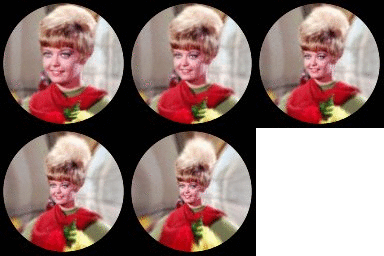
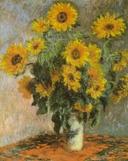
-t .... type ............. type of bump shaping; choices are: PURPOSE: To apply a hemispherical-like bump distortion to an image. DESCRIPTION: BUMP applies a hemispherical-like bump distortion to an image. The user can control the amplitude or height of the bump, the radius of the bump, the center point of the bump and the type of displacement profile used to control the shape of the bump. This is a simpler approximation of my bubblewarp script that is much faster due to the use of -distort polar/depolar and a displacement map. ARGUMENTS: -t type ... TYPE of displacement profile used to control the shape of the bump. Choices are: 1=sinusoid, 2=triangle; 3=circular; default=1 -a amplitude ... AMPLITUDE or elevation of the bump. Values are floats. Postive values raise the bump and negative values lower the elevation. A value of zero produces essentially no change. The default=10. -r radius ... RADIUS is the radial distance from the center point which determines the extent of the bump. Values are integers>=0. The default is half the minimum dimension of the image. -c center ... CENTER=cx,cy are the comma separated coordinates in the image determining the center of the bump. Values are integers>=0. The default is the center of the image. -m ... Enables a mask around the bump that is set to the desired background color. This gives the result a spherical or bubble effect. -b bgcolor ... BGOLOR is the color of the masked area outside the bump. Any valid IM color is allowed. See http://imagemagick.org/script/color.php The default=black. NOTE: Requires IM 6.4.2-8 or higher due to the use of -distort polar/depolar. CAVEAT: No guarantee that this script will work on all platforms, nor that trapping of inconsistent parameters is complete and foolproof. Use At Your Own Risk. |
| NOTE: The radial formula has been corrected. But I have not modified the examples. So the radius of the effect may be slightly different if one repeats the examples. |
|
Bump Higher |
|||||
|
Original |
Arguments: |
Arguments: |
Arguments: |
Arguments: |
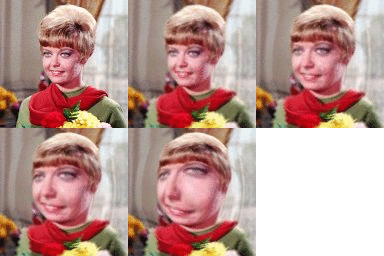
Animation |

|

|
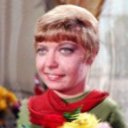
|
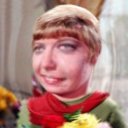
|
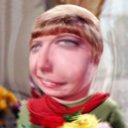
|
|
|
Bump Higher With Mask --- Shape Type 1 |
|||||
|
Arguments: |
Arguments: |
Arguments: |
Arguments: |
Arguments: |
Animation |
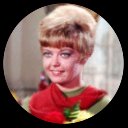
|

|
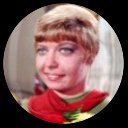
|
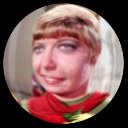
|
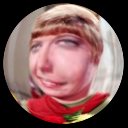
|
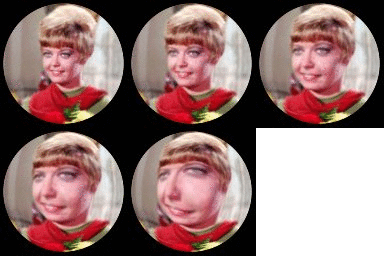
|
|
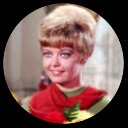
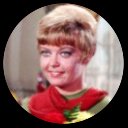
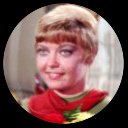
Bump Higher With Mask --- Shape Type 2 |
|||||
|
Arguments: |
Arguments: |
Arguments: |
Arguments: |
Arguments: |
Animation |
|
|
|
|
|
|
|
Bump Higher With Mask --- Shape Type 3 |
|||||
|
Arguments: |
Arguments: |
Arguments: |
Arguments: |
Arguments: |
Animation |
|
|
|
|
|
|
|
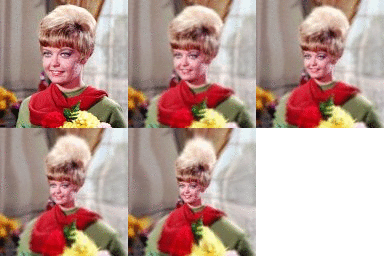
Depression Lower |
|||||
|
Original |
Arguments: |
Arguments: |
Arguments: |
Arguments: |
Animation |
|
|
|
|
|
|
|
|
Depression Lower With Mask |
|||||
|
Arguments: |
Arguments: |
Arguments: |
Arguments: |
Arguments: |
Animation |
|
|
|
|
|
|
|
|
Bump Higher |
|||||
|
Original |
Arguments: |
Arguments: |
Arguments: |
Arguments: |
Animation |
|

|
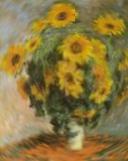
|
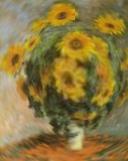
|
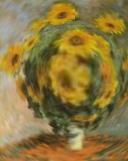
|
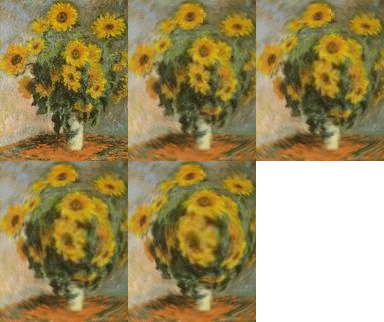
|
|
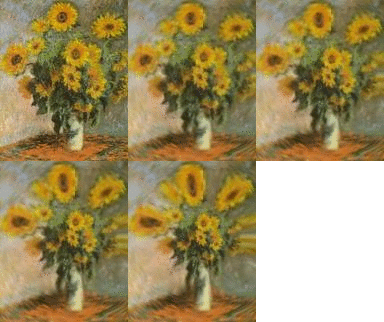
Depression Lower |
|||||
|
Original |
Arguments: |
Arguments: |
Arguments: |
Arguments: |
Animation |
|
|

|
|

|
|
|
|
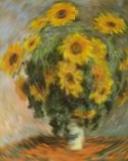
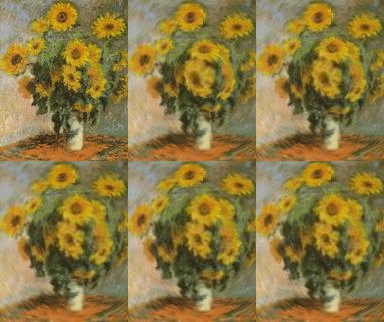
Bump Wider |
|||||
|
Original |
Arguments: |
Arguments: |
Arguments: |
Arguments: |
Animation |
|
|

|

|
|
|
|
|
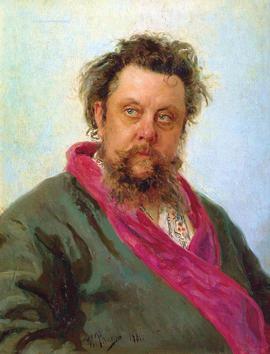
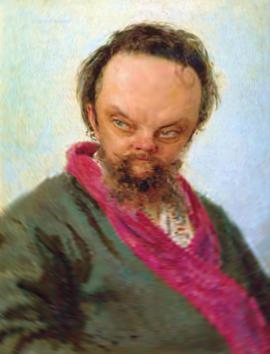
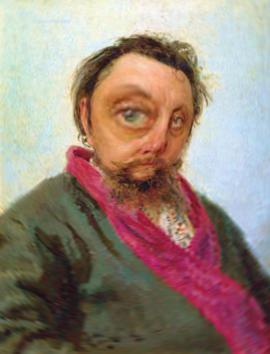
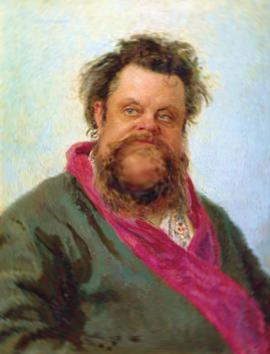
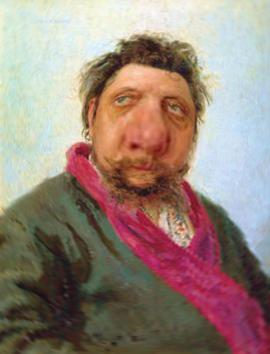
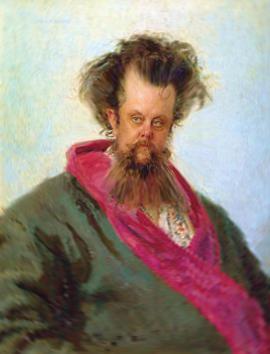
Bump In Different Center Point Coordinates |
||
|
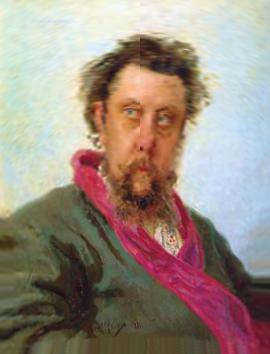
Original |
||
|
||
|
Forehead |
Eye |
Chin |
|
|
|
|
Nose Raised |
Nose Lowered |
Chest Lowered |
|
|
|
|
What the script does is as follows:
This is equivalent to the following IM commands
|