 Fred's ImageMagick Scripts
Copyright © Fred Weinhaus My scripts are available free of charge for non-commercial (non-profit) use, ONLY. For use of my scripts in commercial (for-profit) environments or non-free applications, please contact me (Fred Weinhaus) for licensing arrangements. My email address is fmw at alink dot net. If you: 1) redistribute, 2) incorporate any of these scripts into other free applications or 3) reprogram them in another scripting language, then you must contact me for permission, especially if the result might be used in a commercial or for-profit environment. Usage, whether stated or not in the script, is restricted to the above licensing arrangements. It is also subject, in a subordinate manner, to the ImageMagick license, which can be found at: http://www.imagemagick.org/script/license.php Please read the Pointers For Use on my home page to properly install and customize my scripts. |
|
Reduces noise in an image. |
last modified: December 15, 2018
|
USAGE: denoise [-m method] [-f filter] [-s subsection] [-n nstd] [-u unsharp] [-g gain] infile outfile
-m .... method .......... method of filtering; mean or median; default=mean PURPOSE: To reduces the noise in an image. filter. DESCRIPTION: DENOISE reduces the noise in an image. It uses the formula: input + gain*(input - mean), where mean is a local mean computed in the neighborhood of each pixel and gain=max(0,(std-nstd)/std), where std is the local standard deviation computed in the neighborhood of each pixel. This is an implementation of the Lee Filter. See Lee, J.S., 1981. Speckle Analysis and Smoothing of Synthetic Aperture Radar Images. Computer Graphics and Image Processing, Vol. 17:24-32. ARGUMENTS: -m method ... METHOD of filtering. Choices are: mean or median. Default=mean. -f filter ... FILTER size. Values are floats>0. The default=2. -s subsection ... Subsection is a rectangular homogeneous region where the noise standard deviation will be computed if provided. Otherwise, nstd, must be provided. The values are in the form of the usual IM subsection expressed as WIDTHxHEIGHT+XOFF+YOFF. The default is no subsection provided. -n nstd ... NSTD is an estimate of the noise standard deviation in the image expressed as a percentage (100 times std values in the range of 0 to 1). Thus values for nstd are 0<=float<=100. The default is estimated automatically. -u unsharp ... UNSHARP masking sigma to apply as a post processing step to sharpen the image. Values are floats>=0. The default=0 for no unsharp masking. -g gain ... unsharp masking GAIN to apply as a post processing step to sharpen the image. Values are floats>=0. The default=1.
References: NOTE: This script may be a bit slow due to the use of -fx for versions of IM prior to 6.8.0.5. CAVEAT: No guarantee that this script will work on all platforms, nor that trapping of inconsistent parameters is complete and foolproof. Use At Your Own Risk. |
|
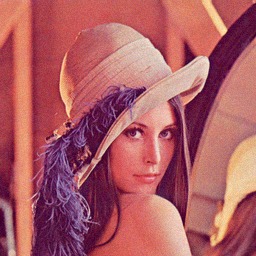
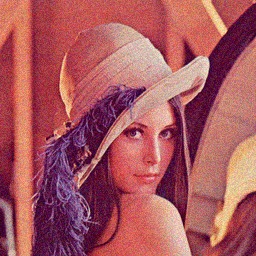
Create Noisy Images |
|
|
Clean Image |
|
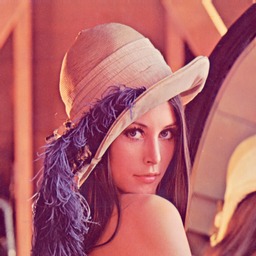
|
|
|
Noisy Image 1 |
Noisy Image 2 |
|
|
|
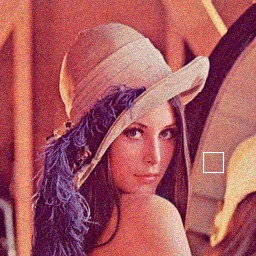
Technique To Measure Noise Standard Deviation |
|
|
Noisy Image 2 |
Homogeneous Subsection |
|
|
|
|
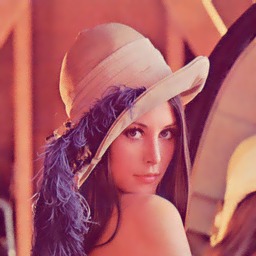
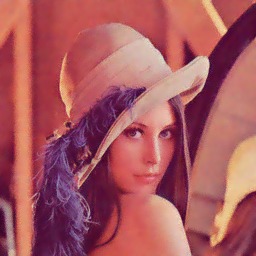
Variation In Noise Amount |
|
|
Noisy Image 1 |
Arguments: |
|
|
|
|
Noisy Image 2 |
Arguments: |
|
|
|
|
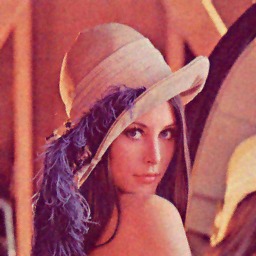
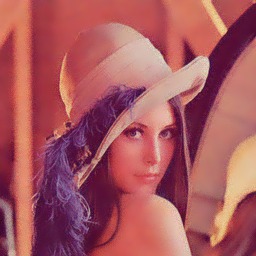
Variation In Filter Size |
||
|
Noisy Image 2 |
||
|
|
||
|
Arguments: |
Arguments: |
Arguments: |
|
|
|
|
Variation In Estimate Of Noise Standard Deviation |
||
|
Noisy Image 2 |
||
|
|
||
|
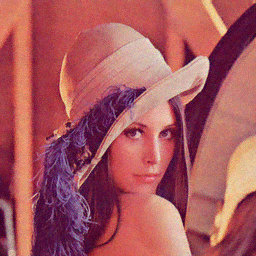
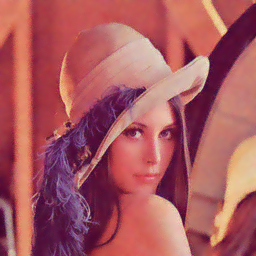
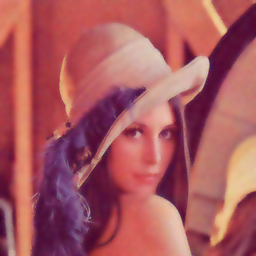
Arguments: |
Arguments: |
Arguments: |
|
|
|
|
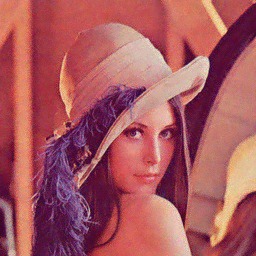
Automatic Noise Estimation |
|
|
Noisy Image 2 |
Arguments: |
|
|
|
|
Comparison To Other Techniques |
||
|
Noisy Image 2 |
||
|
|
||
|
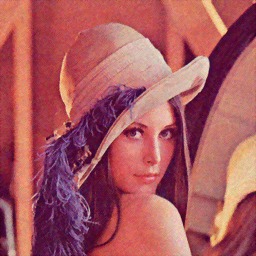
-despeckle |
-f 2 -s "20x20+203+152" |
-enhance |
|
|
|
|
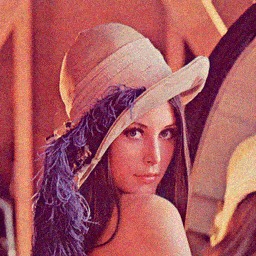
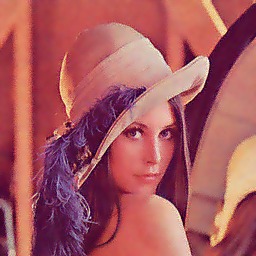
Denoising Without And With Post-Sharpening |
||
|
Noisy Image 2 |
-f 2 -s "20x20+203+152" |
-f 2 -s "20x20+203+152" -u 1 |
|
|
|
|
|
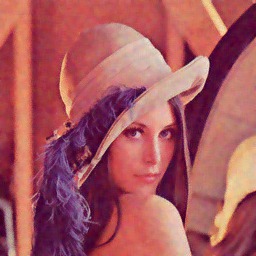
Variation In Method: Mean vs Median |
||
|
Noisy Image 2 |
-f 2 -s "20x20+203+152" -m mean |
-f 2 -s "20x20+203+152" -m median |
|
|
|
|
|
What the script does is as follows for a edge sharpened image:
This is equivalent to the following IM commands:
|