 Fred's ImageMagick Scripts
Copyright © Fred Weinhaus My scripts are available free of charge for non-commercial (non-profit) use, ONLY. For use of my scripts in commercial (for-profit) environments or non-free applications, please contact me (Fred Weinhaus) for licensing arrangements. My email address is fmw at alink dot net. If you: 1) redistribute, 2) incorporate any of these scripts into other free applications or 3) reprogram them in another scripting language, then you must contact me for permission, especially if the result might be used in a commercial or for-profit environment. Usage, whether stated or not in the script, is restricted to the above licensing arrangements. It is also subject, in a subordinate manner, to the ImageMagick license, which can be found at: http://www.imagemagick.org/script/license.php Please read the Pointers For Use on my home page to properly install and customize my scripts. |
|
Applies a cylinder distortion to an image so that the image is wrapped about the cylinder |
last modified: November 09, 2021
|
USAGE: cylinderize [-m mode] [-r radius] [-l length] [-w wrap] [-f fcolor]
[-a angle] [-p pitch] [-d direction] [-n narrow] [e efactor] [-s scale]
[-o offset] [-v vpmethod] [-b bgcolor] [-t] [-R rotate] [-c compose] [-E]
[-D dfile] infile [bgfile] outfile
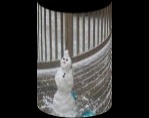
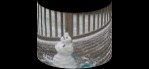
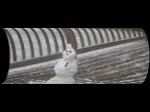
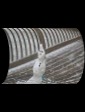
-m .... mode ......... mode of orientation for cylinder axis; options are PURPOSE: To apply a cylinder distortion to an image. DESCRIPTION: CYLINDERIZE applies a cylinder distortion to an image so that the image is wrapped about the cylinder. The image can be wrapped about any percentage of the cylinder from 10 to 100 percent. If the wrap is less than 100%, then the cylinder will be colored to fill the remaining amount. The cylinder can also be pitched (tilted). ARGUMENTS: -m mode ... MODE specifies the orientation for the cylinder axis. The choices are horizontal (or h) or vertical (or v). The default is horizontal. -r radius ... RADIUS is the radius of the cylinder in pixels. The values are floats>0. The default is one quarter of the image width or height depending upon the mode. -l length ... Length is the length of the cylinder along its axis in pixels. The values are floats with length>0. The default is either the width or height depending upon mode and adjusted for the pitch of the cylinder. If a length is provided, then the cylinder length will not be adjusted for pitch, but the ends will still be adjusted for pitch. -w wrap ... WRAP is the percentage of the cylinder circumference that is wrapped with the image. Values are floats such that 10<=wrap<=100 or 0. Default=50. Use wrap=0 to preserve aspect ratio of input as it is wrapped around the cylinder. -f fcolor ... FCOLOR is the fill color to put on the remainder of the cylinder that is not covered by the image. Any valid IM color is allowed. The default is none (for transparent). -a angle ... ANGLE is the rotation of the image about the cylinder. This is best used when wrap=full. The values are floats with -360<=angle<=360. The default=0. -p pitch ... PITCH (tilt) angle of the cylinder. Values are floats with 0<=pitch<90. The default=0. -d direction ... pitch DIRECTION (sign). The choices are down (d), up (u), right (r), left (l) or both (b). Option both is for the case of a straight on view with perspective distortion pitching either up and down or left and right. The default is down or right depending upon mode of vertical or horizontal, respectively. -n narrow ... NARROW is the percent ratio of the bottom-to-top or right-to-left radii used to simulate perspective tapering. Values are floats>=0. The default=100 means same size radii. -e efactor ... EFACTOR is the exaggeration factor for the pitch curvature of the opposite side of the cylinder adjusted by the pitch argument in order to make perspective views more realistic. Values are floats>=1. The default=1 i.e. no exaggeration. From my limited tests a value of 2 works well for pitch values up to at least 20 degrees. -s scale ... SCALE is the percent scaling of the infile in the vertical or horizontal dimension as appropriate to the mode. Values are integer>=100; The default=100. This can be used to compensate for the distortions introduced by the top and bottom curvatures. -o offsets ... OFFSETS are the x and y offset pair in the following form: +-Xoff+-Yoff (no spaces) where either the + or - sign is required. Numerical values are integers. The default=+0+0. The offsets are used to position the cylinderized image over the background image relative to its center. -v vpmethod ... VPMETHOD is the virtual-pixel method to use. Any valid IM virtual-pixel may be used. The background will be transparent if vpmethod=transparent. The default is black. -b bgcolor ... BGCOLOR is the background color to use when vpmethod=background. Any valid IM color is allowed. The background will be transparent if bgcolor=none and vpmethod=background. The bgcolor must be set to match the virtual pixel color when using the -R rotation option, as well. This is most simply done by using -vpmethod=background and setting the bgcolor. The default vpmethod is black. -t ... TRIM the background. -R ... ROTATION angle of output before compositing with background. The values are floats with -360<=rotation<=360. The default=0. -c ... COMPOSE method when overlaying the input pattern on the background image. The choices are: over (o) and multiply (m). The default is over. To apply shading from the background image, use multiply -E ... EXPORT the displacement map and other needed parameters for use with a condensed script to repeat the processing on the same size input images for faster processing. The displacement map will named displace.png. The other arguments will be displayed to the terminal and can be copied and pasted into other scripts. See my script, cylinderwarp. -D dfile ... DFILE is the desired location of the displacement file. It is the path to and including the desired name of the displacement file. It is used in conjunction with -E (export) option. The default="displace.png". Do not specify a compressed file format such as jpg. Also you must use a Q16 or higher IM compilation and not Q8. A Q8 system will write an 8-bit displacement file, which may cause severe blocky results in the output image. NOTE: Thanks to Anthony Thyssen for the concept and basic equation for achieving the tilted cylinder effect. Thanks to Glen Fiebich for the suggestion to allow any amount of wrap and to be able to fill the remainder with color or transparency and still rotate the cylinder. Thanks to Marcos Passos for the suggestion and processing concept to handle face on cylindrical objects with perspective distortion up and down and for his extensive testing. CAVEAT: No guarantee that this script will work on all platforms, nor that trapping of inconsistent parameters is complete and foolproof. Use At Your Own Risk. |
|
No Pitch |
|
|
Original Image |
|

|
|
|
Arguments: |
Arguments: |
|
|
|
Arguments: |
Arguments: |
|
|
|
Arguments: |
Arguments: |
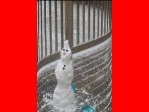
|
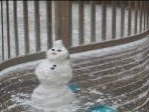
|
|
Rotation Animation |
|
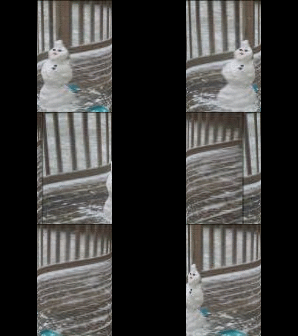
|
|
|
Rotation Animation |
|
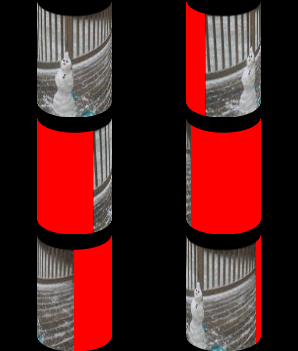
|
|
|
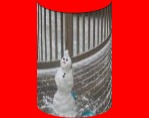
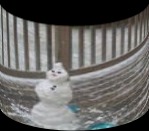
With 20 Degree Pitch |
|
|
Original Image |
|
|
|
|
|
Arguments: |
Arguments: |
|
|
|
Arguments: |
Arguments: |
|
|
|
Arguments: |
Arguments: |
|
|
|
Arguments: |
Arguments: |
|
|
|
With 45 Degree Pitch |
|
|
Original Image |
|
|
|
|
|
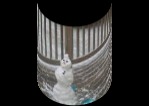
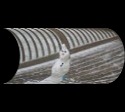
Arguments: |
Arguments: |
|
|
|
Overlay Example 1 |
|
|
Input Image |
|
|
|
|
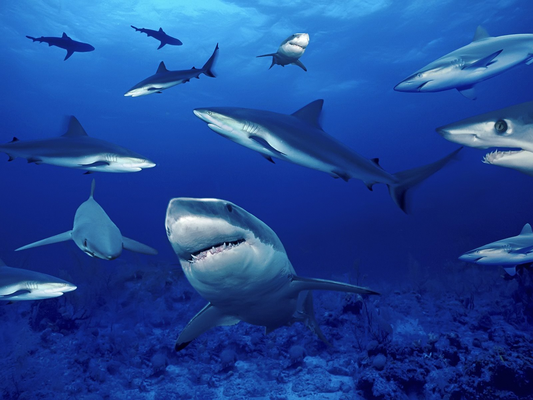
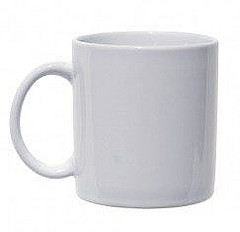
Background Image |
Background Image |
|
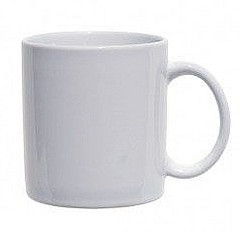
|
|
Arguments: |
Arguments: |
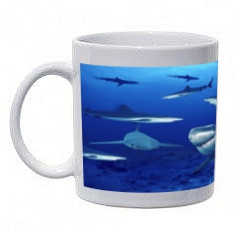
|
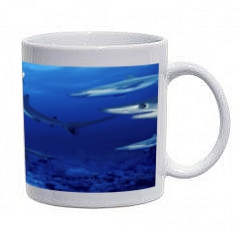
|
|
Arguments: |
Arguments: |
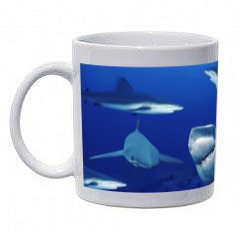
|
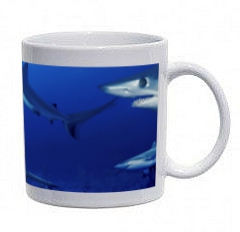
|
|
Overlay Example 2 |
|
|
Input Image |
|
|
|
|
|
Background Image |
Background Image |
|
|
|
Arguments: |
Arguments: |
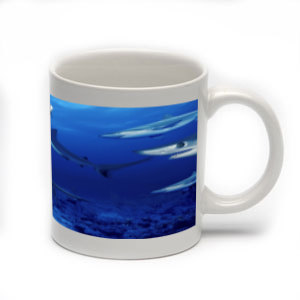
|
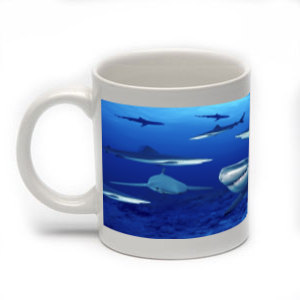
|
|
Overlay Example 3 |
|
|
Input Image |
|
|
|
|
|
Background Image |
Background Image |
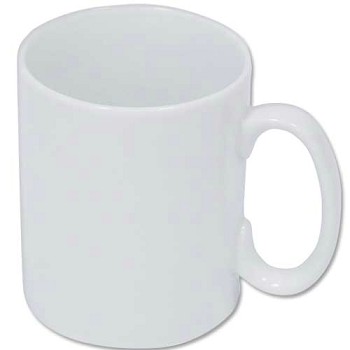
|
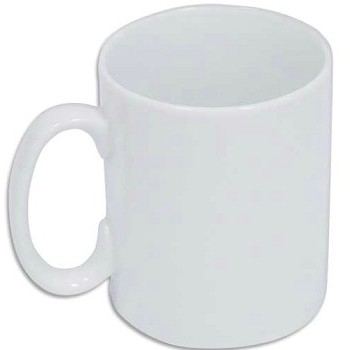
|
|
Arguments: |
Arguments: |
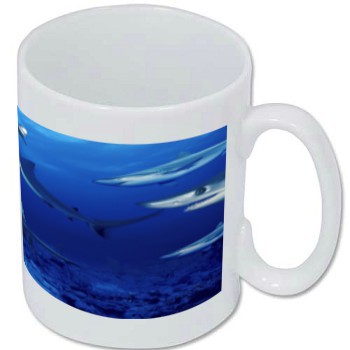
|
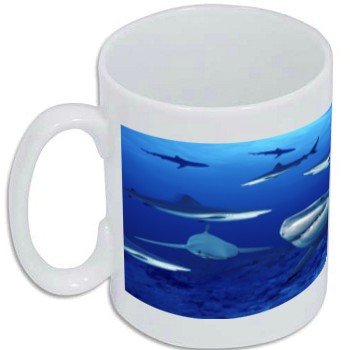
|
|
Overlay Example 4 |
|
Input Image |

|
|
Input Image Padded From Width=50 To Width=74 |

|
|
Background Image |
|
|
|
Arguments: |
|
|
Pitch in Both Directions |
|
Input Image |
|
|
|
Background Image |
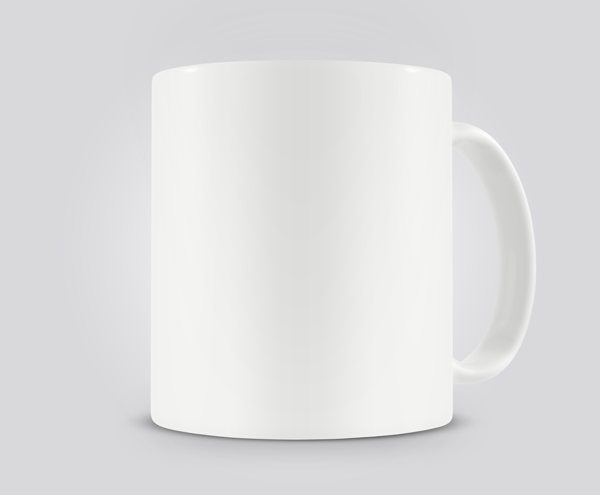
|
|
Arguments: |
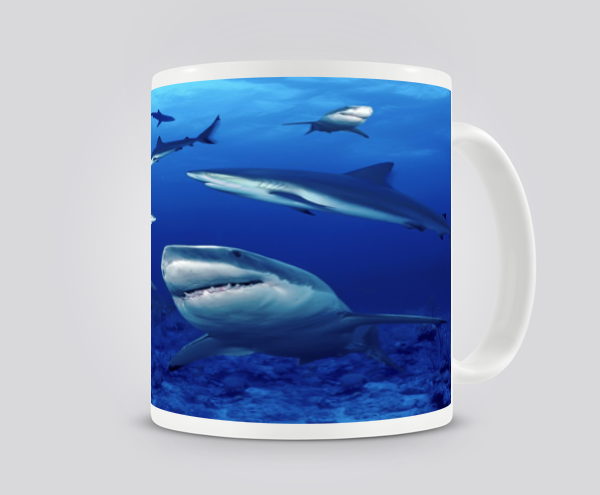
|
|
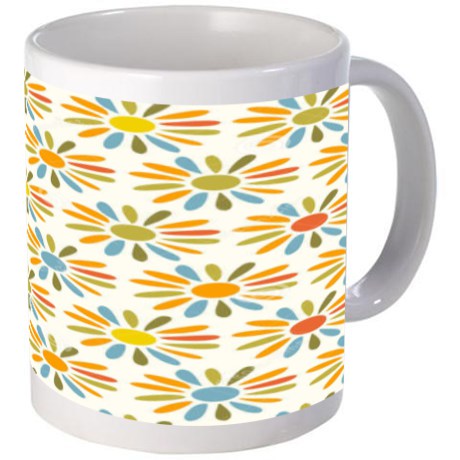
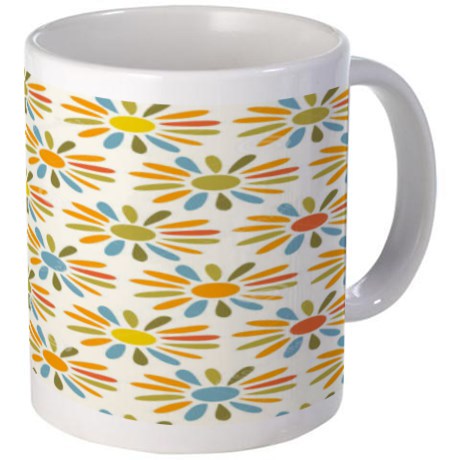
Shading |
|
Input Image |

|
|
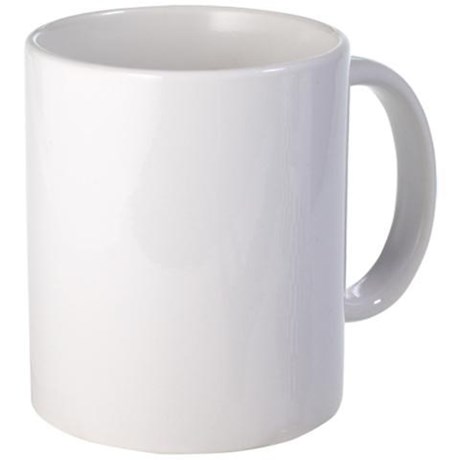
Background Image |
|
|
Arguments: |
|
|
Arguments: |
|
|
What the script does is as follows:
This is equivalent to the following IM commands for the
|